Register Bags/Files Received at Headquarters
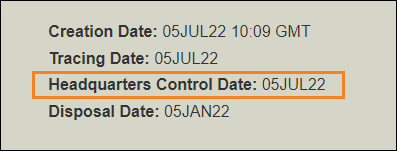
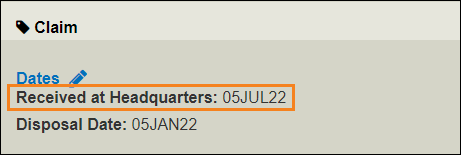
Update the file with the Received at Headquarters date when:
-
You physically receive bags at the Headquarters (or the storage location for the company).
-
When the Headquarters starts working on the file, if no bag exists.
The date is recorded in the Claim section of the file.
Register Files or Bags Received
Menu: Miscellaneous > Received at Headquarters
-
Select the file type and enter a file reference.
-
Enter the date received.
-
Click Add another file and repeat steps 1 to 2.
-
Click Update.
Tip: Use this transaction to register a batch of bags or files. You can also enter the Received at Headquarters date in the Claims tab of a file.
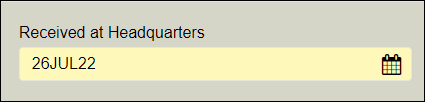
Once entered, you can change the date, but you can't delete it.
WorldTracer Native:
ALZ Date Received at HQ
Update the LZ element